Get a free listing video.
Drop in the Zillow link for any listing and we will build the video for it. A full walkthrough from the listing photos, with Just Listed captions written for every platform. Free, and you do not need an account.
How a listing link becomes a finished video
Three steps, and you only do the first one.
-
01
Paste the Zillow link
Copy the listing straight from Zillow. We read the address, price, beds, baths, square footage, and every photo off the page, so there is nothing for you to type in or upload.
-
02
We build the video
Your photos are ordered into a walkthrough that moves the way a showing does, with the address and details on screen and music scored underneath. It comes back as one landscape video, ready to post.
-
03
It lands in your inbox
The video arrives with captions already written for Facebook, Instagram, LinkedIn, X, and TikTok. Post it from here on your schedule, or download it and use it anywhere you like.
Every listing gives you more than one post.
The same link carries a listing from the day it goes live to the day it closes. Drop it in once and get the set.
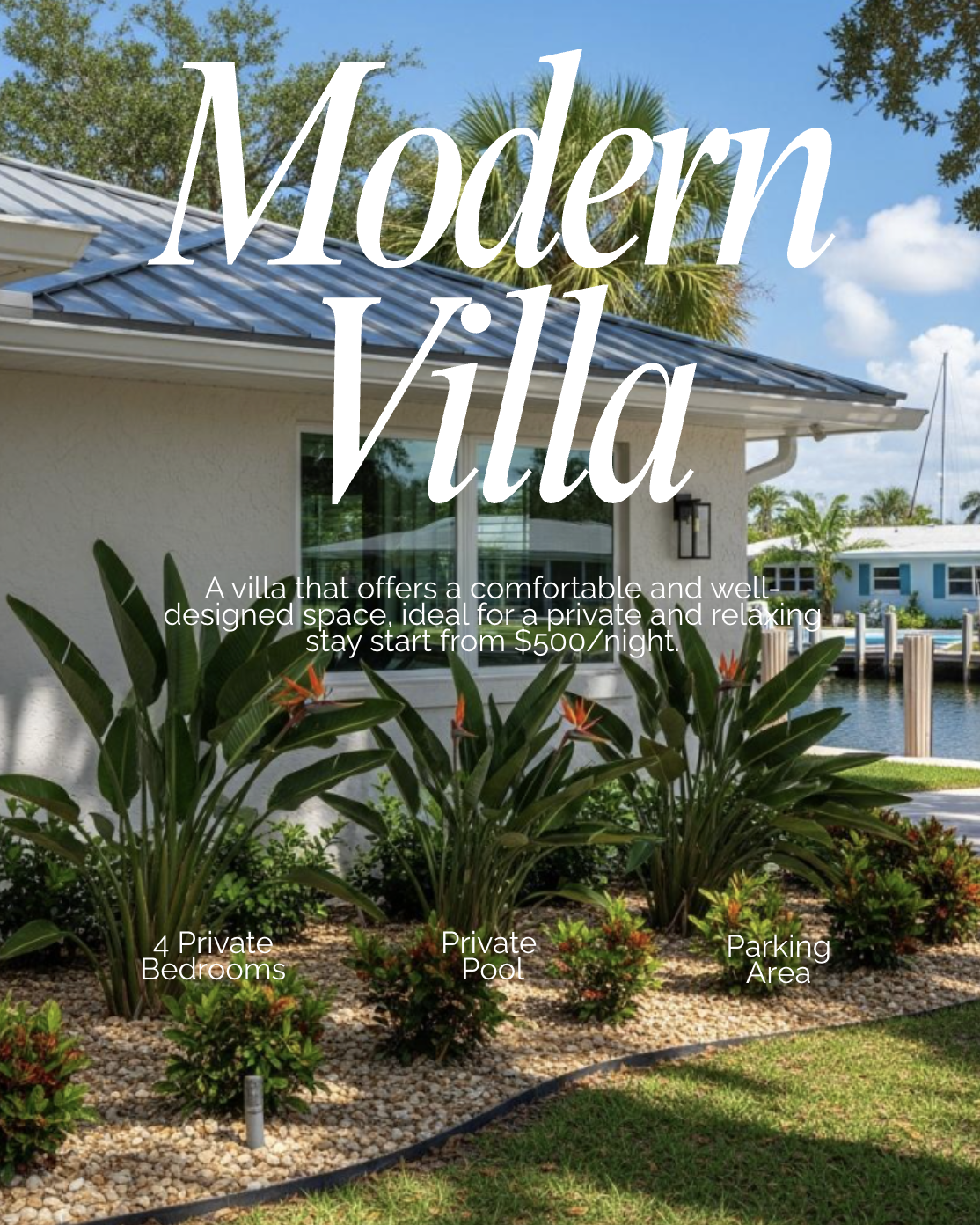 Just Listed
Just Listed
The announcement post, out the same day the listing goes live. Address, price, and the photos that make people stop scrolling.
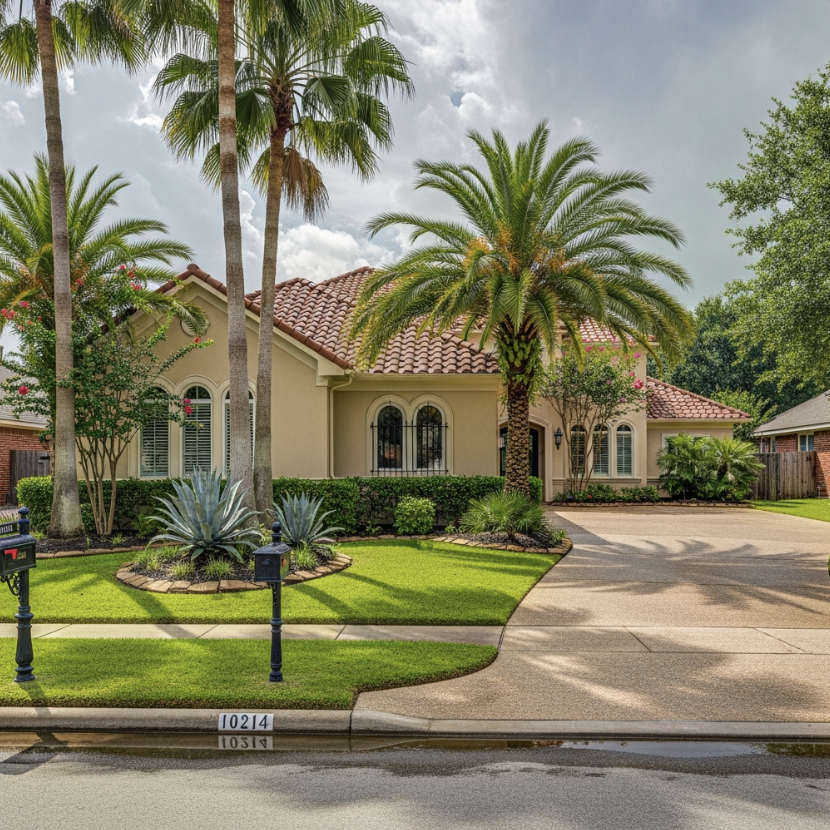 Open House
Open House
The reminder that actually fills the sign-in sheet. Day, time, and directions, ready to post the week of and the morning of.
 Just Sold
Just Sold
The proof post. It is the one sellers in your area notice, and the easiest reason for them to call you next.
What you get back from one link
A walkthrough, not a slideshow
The photos are ordered and paced the way a showing moves, so the video reads like a tour of the home instead of a folder of pictures.
Captions already written
Each platform gets its own version, in your voice, with the details buyers ask about first. Nothing to rewrite before you post.
Finished and scored
One landscape video with music already under it. Nothing to trim, resize or soundtrack before it goes out.
On the listing the same day
Minutes, not an evening. The listing goes live and the video is ready while it is still the newest thing in your market.
Frequently asked questions
Is the first video really free?
Yes. Paste a Zillow listing link, leave your email, and the video comes to you. There is no account to create and no card to enter.
What is this educational webinar?
It is a free one-hour live session called Set It and Forget It: How AI Can Run Your Real Estate Marketing, on Friday, August 21 at 10:00 AM Eastern Time, exclusive to Florida Realtors who stopped by our booth. Jane Nelson, our Director of Education, walks through how the post generated for you at the booth was made, the Content Calendar, AI Twin Posts using your own face and voice, and Listing and Market Report Posts built from your real listings and local market data. Everyone who registers gets the recording. See the full agenda.
Which listing sites work?
Zillow listings for this one-time video. Paste the Zillow page for your listing and we take it from there. Pasting a link is how these one-time free videos work. Inside the platform you press Update My Listings instead and every listing, its details and its photos import on their own.
How long does it take?
Usually a few minutes. It lands in your inbox when it is done, so there is nothing to sit and wait for.
Can I change it after?
This free one is a one-time video, sent to you finished. Inside the platform you can swap photos, edit the captions and change the on-screen text before anything goes out, and nothing publishes until you approve it.
Do I have to post it here?
No. Schedule it to Facebook, Instagram, LinkedIn, X, and TikTok from here if it is easier, or download the file and post it wherever you already work.
Who owns the video?
You do. It is yours to use across your marketing, and we do not use your listing photos to train AI models.
